












































How to Download Free Fire on Android: Easy Official Guide

How to Download Free Fire on Android
Free Fire is one of the most popular battle royale games on Android, and downloading it is simple when you use the official Google Play Store. The game is free to play, but it may offer optional in-app purchases for cosmetics, characters, and other items. Garena confirms that Free Fire is available through official app stores, so this is the safest way to install it on your phone.
Download Free Fire From Google Play
Open the Google Play Store on your Android phone and tap the search bar at the top. Type “Free Fire” and press search, then look for the official app published by Garena International I. Tap Install, wait for the download to finish, and open the game once it appears on your home screen.
For example, if you are using a Samsung, Xiaomi, Realme, or Google Pixel phone, the steps are basically the same. The only difference may be the appearance of the Play Store, but the search and install buttons work in a similar way. After installation, Free Fire may download additional game files when you open it for the first time, so make sure you have a stable internet connection.
Check If Your Phone Can Run It
Before downloading, check that your Android device meets the game’s minimum requirements. Garena lists Android 4.4 or higher, a dual-core 1.2 GHz processor, 1 GB of RAM, and at least 1.5 GB of free storage as the basic requirements.
| Requirement | Minimum | Recommended |
|---|---|---|
| Android version | Android 4.4 | Android 7 |
| Processor | Dual-core 1.2 GHz | Octa-core 1.8 GHz |
| RAM | 1 GB | 3 GB |
| Storage | 1.5 GB+ | 3 GB+ |
If your phone has only 1 GB of RAM, Free Fire may still run, but you could experience lag during matches. A phone with 3 GB of RAM, Android 7 or newer, and at least 3 GB of free storage will usually provide a smoother gaming experience.
Choose the Right Free Fire Version
There are different Free Fire apps on Google Play, so make sure you choose the correct one. The standard Free Fire app is best for most Android phones, especially older or budget-friendly devices. It has a smaller file size and lower system requirements than the enhanced version.
Free Fire MAX is designed for players who want better graphics, improved effects, and smoother visuals on more powerful phones. If you have a mid-range or high-end device with enough RAM and storage, Free Fire MAX may be the better choice.
There is also Free Fire India, which is a separate version published by Garena International III for players in India. If you live outside India, search for the standard Free Fire app or Free Fire MAX instead.
Use Only Official Download Sources
Always download Free Fire from the Google Play Store or an official Garena link. Avoid random websites, Telegram groups, WhatsApp forwards, and unknown APK sites because these files can be modified, outdated, or unsafe for your device.
For example, a website may claim to offer a “mod APK” with unlimited diamonds or aim assistance, but these files can contain malware or cause your account to be banned. The official Google Play version is regularly updated by Garena and is much safer for your phone and game account.
Fix Common Download Problems
If Free Fire will not download, first check your internet connection and switch to a stable Wi-Fi network if possible. Large games can fail to install when the connection is weak or interrupted, especially during the initial download.
You should also free up storage space if your phone is almost full. Delete unused apps, old videos, or large files, then try downloading Free Fire again. Restarting your phone or clearing the Google Play Store cache can also help if the installation gets stuck.
Start Playing After Installation
Once Free Fire is installed, open the app and allow it to download any remaining resources. You can then create or sign in to your account, choose your preferred game mode, and join a match. Free Fire matches are designed to be short, with each battle lasting around 10 minutes.
New players should start with the training area or casual modes before entering ranked matches. This helps you learn the controls, practice aiming, and understand how the safe zone works without feeling pressured by competitive players.
FAQ
How to Download Free Fire on Android in 2026
If you want to download FF on Android, you’re most likely looking for Free Fire, the popular battle‑royale shooter game. On Android, Free Fire is optimized to run smoothly even on mid‑range phones, which makes it a favorite among mobile gamers in India, Southeast Asia, and many other countries. The game lets you play solo or team up with friends in 10‑minute matches where 50 players fight to be the last ones standing.
How Many Free Fire Downloads Worldwide
Free Fire has been downloaded more than 1.8 billion times worldwide, which shows how huge the game has become across mobile markets. This number reflects its long-term popularity and global reach, especially in countries where mobile gaming is very strong. Some reports also list Free Fire at around 1.3 billion lifetime downloads, so the exact figure can vary depending on the source and the date it was measured. For example, one report says the game added over 35.
Play Free Fire Without Downloading? Yes! 3 Cloud Gaming Platforms Work Now
Yes, you can play Free Fire (FF) without downloading it by using cloud gaming platforms that stream the game directly to your browser. Services like Easyfun.gg, now.gg, and CloudMoon run Free Fire on remote servers and send the video to your device in real time, so you never need to install the 2 GB+ game file on your phone or PC. This works on almost any device with a web browser, including low-end Android phones with just 2GB RAM and older laptops with limited storage.
Download Free Fire APK on Android: No Play Store Needed!
Hey there, fellow gamer! Want Free Fire on your Android without the Play Store? It’s super easy with APK sideloading—just grab it from trusted spots like Uptodown (latest version 1.120.1, about 96MB). But heads up: always scan files first to dodge malware.free-fire-battlegrounds.uptodown+1 Kick things off by flipping on “Unknown Sources.” Head to Settings > Security > toggle it for your browser (like Chrome). Example: On Samsung, it’s under Apps > Special Access.
How to Install Fire Kirin on iPhone in 2026
Fire Kirin is a popular mobile game that combines fish‑shooting arcade action with sweepstakes‑style rewards, and many players enjoy it on iPhones. It runs smoothly on recent iOS versions, including iPhone 12 and newer models, and typically takes up about 200–300 MB of storage once installed. The game is designed for touch screens, so you control the cannon by dragging your finger to aim and tapping to shoot at fish, crabs, and other sea creatures for points and prizes.
Is Fire Kirin Safe to Download?
Is the Fire Kirin app safe to download? It can be, but you should be careful: official listings on Google Play and the App Store are generally safer—look for the correct developer name and many recent downloads (for example, the Play Store listing shows thousands of installs) while avoiding similarly named apps from unknown publishers; copies from third‑party APK sites are riskier and have been linked to malware and stability problems.
Where to Play Fire Kirin: The Ultimate Guide 2025
Fire Kirin is an exhilarating online fish shooting game known for its dynamic gameplay that combines skill, precision, and strategic thinking. Players are immersed in an underwater environment where the main goal is to shoot and capture various sea creatures, each assigned a specific point value. The game interface typically shows a vibrant underwater scene filled with colorful fish, dragons, and other magical sea creatures, with weapons or cannons controlled by the player to aim and shoot.
Why is Fire Kirin not working?
We have collected several offline games, combined with slot game types, and made the KirinFishing online. We recommend novices to play first: “Oceanking”, “Buffalo thunder”, “Kirin fishing” for most mobile fishing players, maybe slot games like “LuckyGod” and “5Dragons”.٢٥/٠٦/٢٠٢٣
What role did roulette play in popular culture such as movies and literature?
What role did roulette play in popular culture, such as movies and literature? Roulette has played a significant role in popular culture, appearing in numerous movies, books, and other forms of media. In movies, roulette often appears as a symbol of glamour, luxury, and risk-taking. One of the most famous examples is the classic film “Casablanca,” where the game is prominently featured in several scenes. In the movie, the character Rick (played by Humphrey Bogart) runs a popular nightclub and casino in Casablanca, Morocco, where roulette is one of the main attractions.
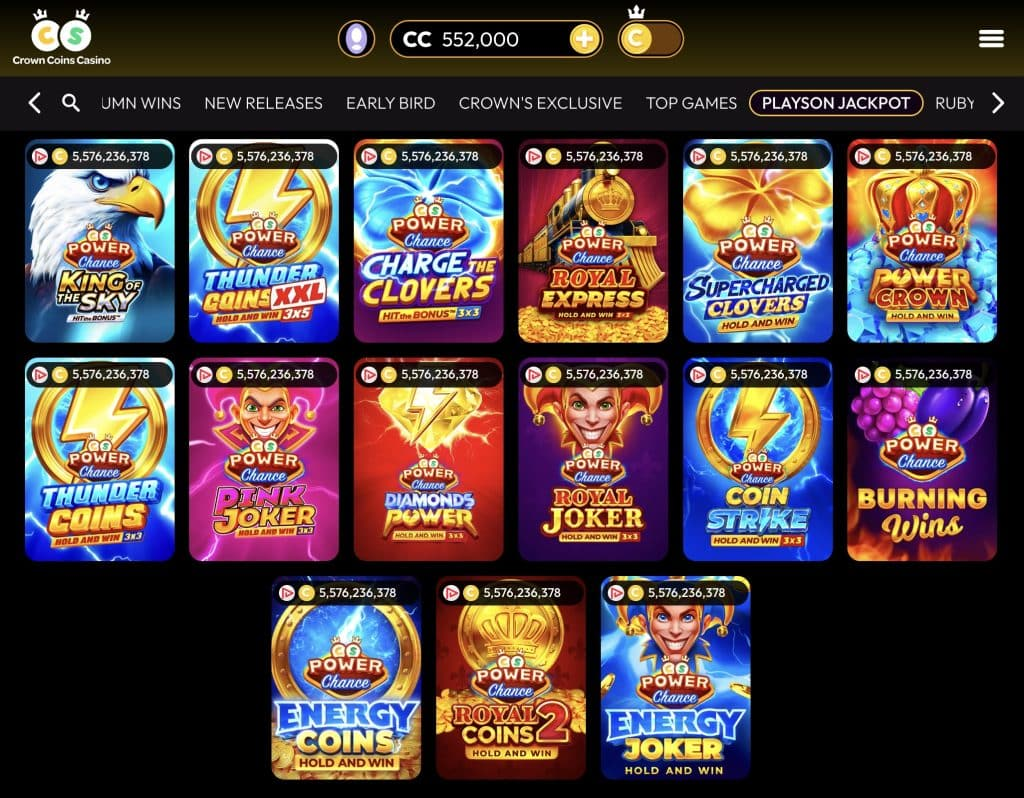
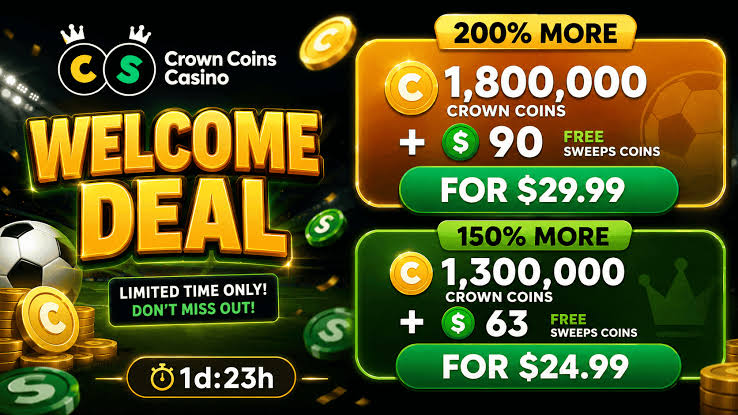
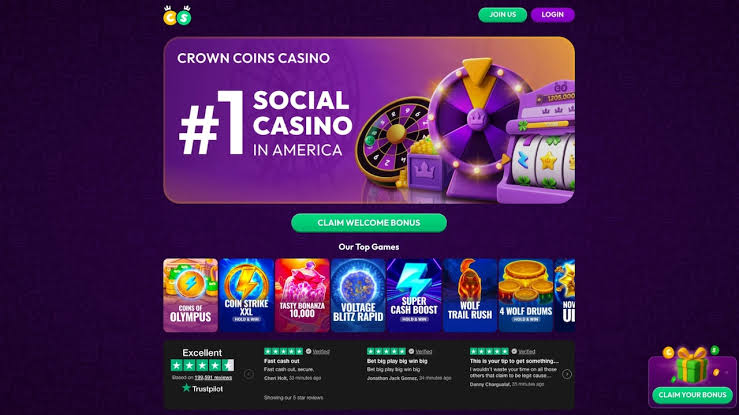
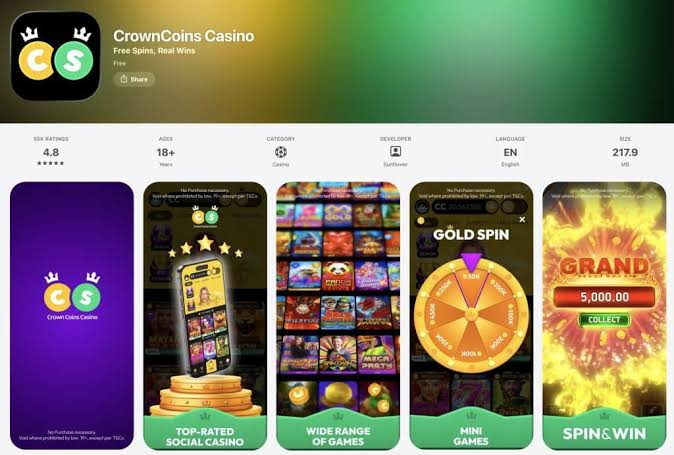
Crown Coins Casino Guide: Games, Account Access and Player Information
This site only collects related articles. Viewing the original, please copy and open the following link:How to Download Free Fire on Android: Easy Official Guide